Select a useful sample
Choose a short section containing the problems you actually need to solve: soft faces, fine patterns, movement, or compressed edges. Save an untouched copy for comparison.
Online workflow
The seedvr online upscaler offers a route to SeedVR2 video enhancement without setting up a local workflow. Start with a short, representative clip so you can inspect detail, motion, and artifacts before committing to a longer video.
An online route removes local installation from your first test. These related guides cover how Seedvr works, how to prepare a clip, and what to check if access terms matter.
A browser entry point does not establish what the destination accepts or guarantee that enhancement can recover detail missing from the source.
Seedvr may make a soft frame look clearer, but an apparent texture is not proof that the original scene contained it. This matters for text, faces, and archival material.
WorkaroundKeep the source and compare important details frame by frame.
This page cannot confirm the destination's current file types, size limits, duration limits, or access requirements. Check its upload instructions before preparing a large batch.
WorkaroundTest one short clip that matches the destination's stated requirements.
A frame that looks clean when paused may show shimmer, shifting texture, or unstable edges in playback, especially around hair, foliage, and small lettering.
WorkaroundReview moving sections at normal speed as well as individual frames.
Opening SeedVR2 through a hosted page does not provide the same environment or processing controls as running your own installation.
WorkaroundIf local configuration is essential, evaluate a local workflow separately.
A small test makes the online workflow easier to judge than committing an entire project before seeing a result.
Choose a short section containing the problems you actually need to solve: soft faces, fine patterns, movement, or compressed edges. Save an untouched copy for comparison.
Open the Seedvr route and read its current input and access instructions. Submit your sample only if its format, content, and any stated conditions fit your needs.
Compare matching moments in the source and result. Check whether important features stay consistent, then decide whether a longer online run is worthwhile.
A before-and-after view helps identify areas worth inspecting, but a static image cannot demonstrate temporal stability across a video.
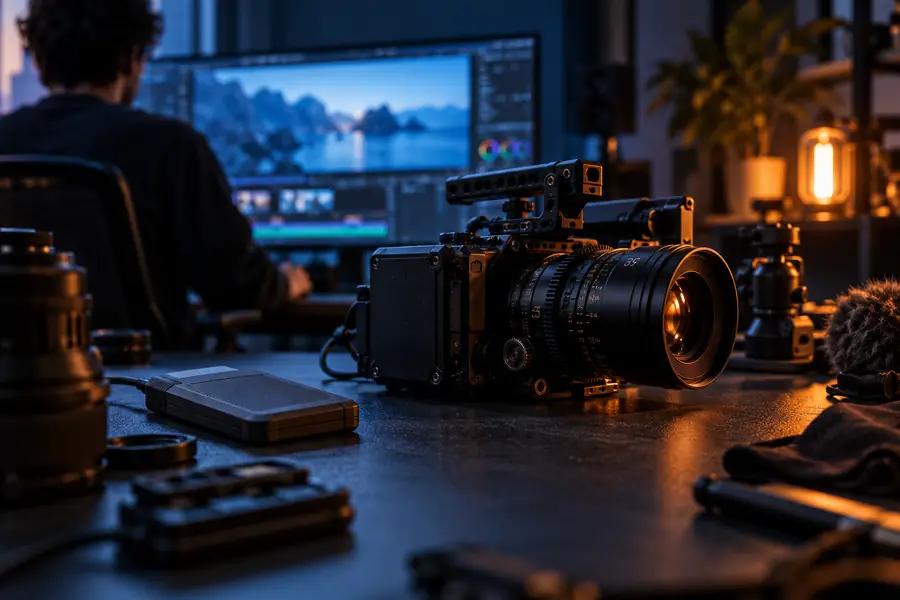
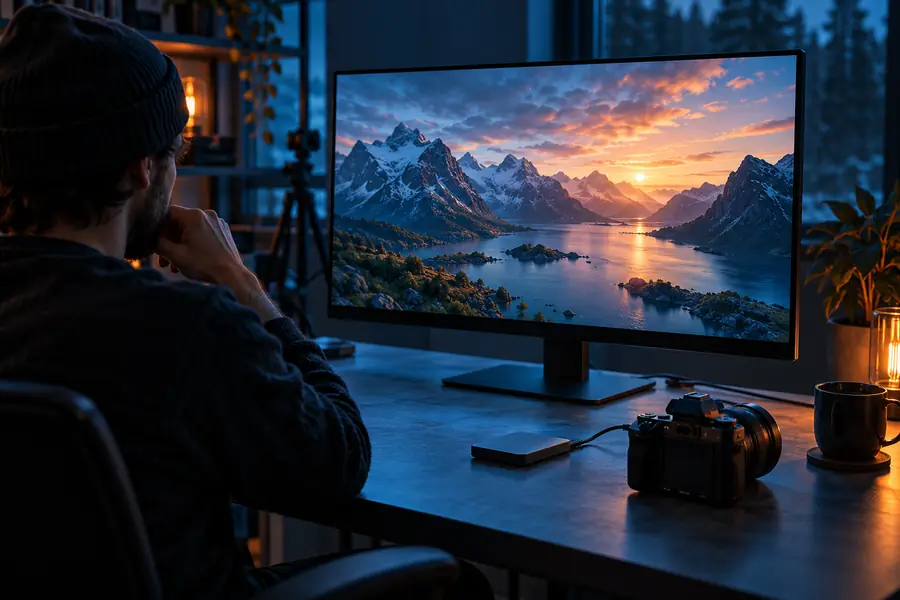
Illustrative comparison, not a verified output from your clip. For Seedvr video, inspect the same moving passage before and after processing.
Use the same timestamp and playback scale on both sides. The strongest result improves readability without introducing distracting changes.
Source clip
May appear soft or compressed
Enhanced clip
Check for clearer detail without invented-looking texture
Source clip
Original features provide the reference
Enhanced clip
Check that features and skin texture remain plausible
Source clip
May be unreadable
Enhanced clip
Do not assume newly legible characters are accurate
Source clip
May show blur or compression
Enhanced clip
Watch for halos and unnaturally hard outlines
Source clip
Shows the original timing and movement
Enhanced clip
Watch for flicker or texture changing between frames
Source clip
Keep the untouched original
Enhanced clip
Compare against that original before choosing a final version
Open the Seedvr destination, confirm its current requirements, and try a representative sample. Compare the moving result with your untouched source before processing more footage.
This page points to a hosted SeedVR2 route, so you can investigate that option without first configuring a local installation. Check the destination's current access and input requirements before submitting a clip.
Choose a short clip that contains the blur, compression, or motion you want to evaluate. Keep the untouched original and confirm that your file meets the destination's stated requirements.
No enhancement can verify detail that the source never captured. Compare faces, text, edges, and moving textures carefully rather than relying on a single sharpened frame.
Play matching sections of the original and result at normal speed, then pause on difficult frames. Look for improved clarity alongside stable features and the absence of distracting halos, flicker, or shifting texture.